
Over the past several years, higher education institutions have had no choice but to reckon with the monumental changes posed by artificial intelligence (AI) tools. But even though these tools present challenges, they also open the door to a wide range of new opportunities, especially when it comes to getting your university’s website the attention it deserves.
According to the 2025 AI Search in Higher Education Research Study, half of prospective students use AI-powered search tools at least weekly. Plus, 79% read Google’s AI-generated overviews, and 56% are more likely to trust institutions cited in them. These statistics offer an opportunity to fully embrace AI’s potential to drive online engagement with your university.
We want to help prepare you for the next iteration of AI in higher education and website design, ensuring your university can continue to engage current and future students, disseminate essential information, and raise funds for your educational needs. This guide explores the benefits and opportunities of AI in higher education and outlines the essential steps to get started.
Benefits of AI for Higher Education
Higher education marketing and administrative teams are finding that AI doesn’t replace human effort. Instead, it expands their capacity and creates audience interactions that feel more responsive and more personal.
AI for higher education offers specific benefits such as:
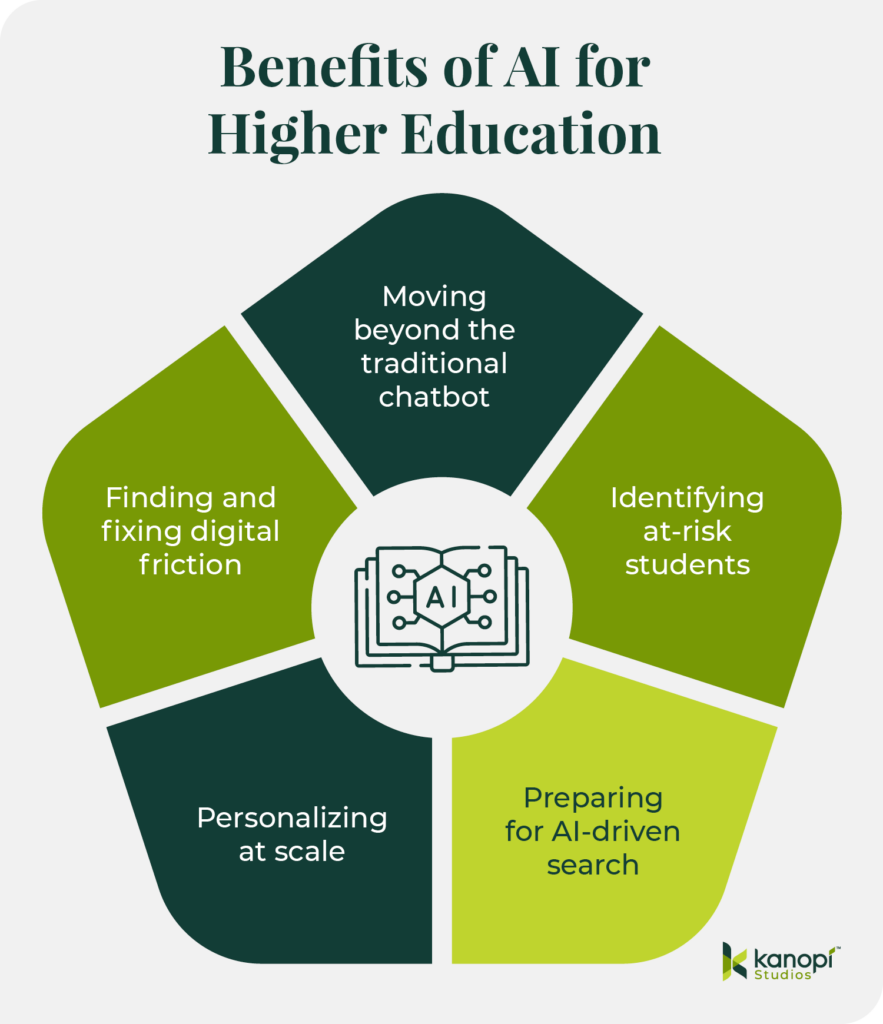
- Moving beyond the traditional chatbot: Instead of waiting for students to search for information, AI can guide them through the moments that often determine whether they apply or stay engaged. Georgia State’s Pounce system is a strong example. It sends text reminders at the right time and answers questions through intelligent messaging. This steady support lowered “Summer Melt” and helped more students arrive prepared for the fall.
- Identifying at-risk students: Data shows that 26% of colleges use predictive analytics to identify students at risk of dropping out. Course Signals was among the first to demonstrate this idea. It combined analytics with behavioral and demographic indicators and drew on engagement patterns on the Blackboard platform. The system identified students who might be at risk so instructors could step in sooner and offer support. Institutions that used it saw improved outcomes and stronger retention, confirming the value of early insight.
- Increasing search visibility: As conversational search becomes normalized, students expect tools that understand intent and provide immediate information. To appear accurately in platforms like ChatGPT, institutions need public information that AI can interpret without confusion. Program pages that follow a clear structure, admissions details that are easy to understand, and language that remains consistent across departments all help AI represent your institution accurately and with nuance.
- Personalizing at scale: Personalization is becoming a baseline expectation. AI makes this far more feasible for teams that can’t expand their staff. Institutions can align content with a student’s goals and connect them with resources that match their interests. Tools like UCF’s Knightbot reveal how AI can reduce friction by responding to real interaction data rather than guesswork.
- Finding and fixing digital friction: AI also exposes friction within the digital journey. Click patterns and content engagement show where prospective students pause or continue exploring your website. This visibility makes it easier to strengthen the moments that influence decisions.
When UX, content strategy, and discovery data function together, institutions can create more effective experiences without adding staff. The digital space becomes a partner in recruitment and retention, freeing human teams to focus on meaningful work.
Practical Applications of AI in Higher Ed Web Design
The top college websites deploy AI strategically while avoiding overreliance on automated tools. Consider these AI use cases and how your institution can leverage them to drive greater audience engagement and trust.
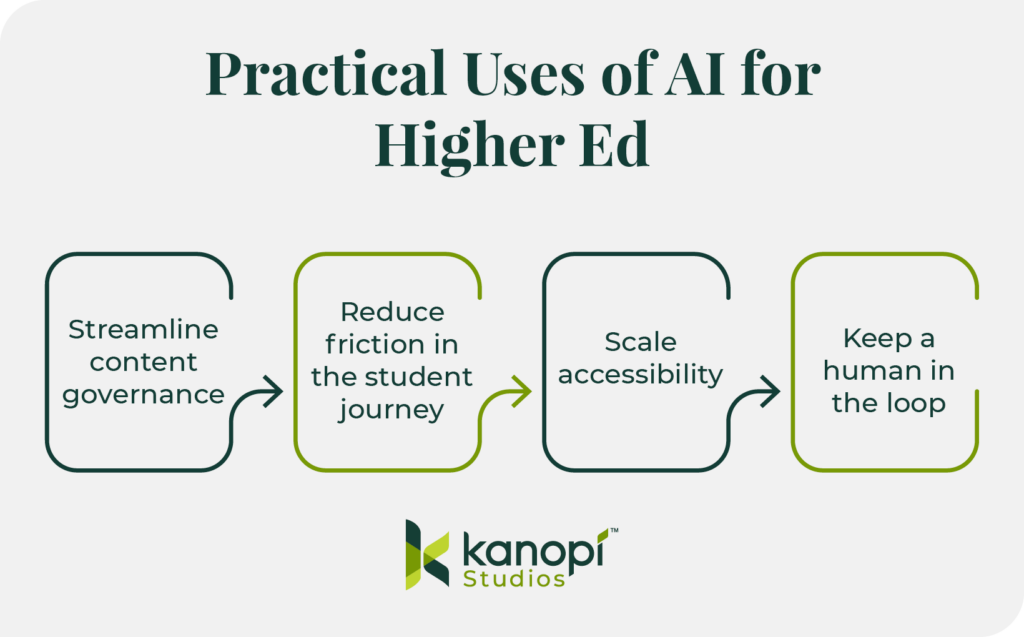
Streamline content governance
Use AI for automated taxonomy and tagging.
Many university websites host 10,000+ pages of dated legacy content. This backlog, known as content debt, can confuse users and feed outdated data into AI models. With AI tools, you can organize the mess quickly so your team can focus on strategy.
Automated taxonomy and tagging replace the error-prone process of manually sorting legacy content by using AI models to “read” every page on a university site and automatically assign categories from a pre-approved list. Instead of an editor manually tagging thousands of articles over several months, a developer can implement a Drupal module or script that crawls the content, identifies core themes (such as “undergraduate research” or “FAFSA deadlines”), and applies the correct metadata in bulk.
This transforms your fragmented site into a structured data powerhouse, ensuring that your site search provides direct answers and “Related Content” blocks are actually relevant. Plus, you can boost SEO through consistent, high-quality tagging across your entire digital footprint.
Follow the 80/20 Rule.
Let AI generate the first draft of meta descriptions or alt text. Then, let a human editor do the final 20% of “brand voice” polish. This can help you scale up your content optimization efforts without losing the human touch that ensures brand consistency.
Reduce friction in the student journey
Move from keyword search to conversational search.
Today’s students expect a much more conversational search experience than in years past. Instead of Googling generic terms like “nursing programs near me,” they’re getting much more detailed with their queries, asking, “What are the top ten nursing school programs in the southeast?”
To ensure your university appears in these highly targeted searches, provide specific information on your website that highlights your unique credentials and offerings. You’ll start to see more qualified visitors who are genuinely interested in applying to your school.
For example, if a prospect asks an AI agent, “Which nursing schools in Georgia offer clinical rotations at Level 1 trauma centers?” the AI will crawl university sites for those specific keywords. To answer this search query, your program page should replace generic ‘Clinical Experience’ paragraphs with a structured data table or a dedicated ‘Quick Facts’ section listing your hospital partnerships by name and trauma level.
By providing this granular data, you transition from being a ‘maybe’ in a broad search to the definitive ‘top result’ for a highly motivated applicant.
Integrate AI search directly into your website.
Traditional site search fails when a student types “How do I pay my room and board bill?” into your site’s internal search bar and gets 400 PDF results. AI-powered search tools like Algolia or Elasticsearch, on the other hand, provide direct answers. These platforms enable AI-powered internal search functionality directly within your website.
To audit your site’s search process, start by identifying your top five most-searched “How-To” phrases. Test if your current site search provides a direct answer or a list of links. If you can’t get a direct answer, consider implementing a new AI search tool.
Scale accessibility
Conduct AI-driven accessibility audits.
Run a site-wide scan with an accessibility tool like Lighthouse or Siteimprove to identify where AI automation can fill gaps. For example, you can use AI to scan thousands of images for missing alt text or to check color contrast in real-time as editors build pages.
Avoid AI accessibility overlays.
AI overlays are presented as a quick fix, but they’re often incompatible with screen readers. Instead, use AI in the authoring environment to prompt editors to fix issues before they go live. For example, you could implement Drupal’s AI accessibility module in your CMS to scan your content during the creation process and receive automatic suggestions to enhance its inclusiveness.
Keep a human in the loop
Privacy
Higher education institutions have a duty and responsibility to protect students’ privacy under FERPA regulations. When integrating AI into your web strategy, especially via chatbots or personalized portals, you must ensure student data isn’t being used to “train” public models. Your AI tools should be carefully vetted and monitored by your team to maintain student privacy and uphold your university’s reputation.
Most free or off-the-shelf AI tools retain data to improve their models, presenting a direct FERPA risk. Only use Enterprise-grade AI APIs with Zero Data Retention (ZDR) policies. Always vet third-party AI vendors for SOC2 compliance and explicit data-processing agreements that keep student PII (Personally Identifiable Information) siloed.
Data bias in admissions algorithms
AI models are trained on historical data. If your institution’s past data reflects systemic biases (e.g., favoring specific ZIP codes or demographics), an unchecked AI will amplify those biases in the name of “efficiency.” For example, in 2020, UT Austin discontinued an AI-driven PhD screening tool because it threatened to limit the diversity of the candidate pool.
As a best practice, you should never use AI as the sole decision-maker for high-stakes outcomes like admissions or scholarship eligibility. Use AI to flag potential candidates, but require a human admissions officer to conduct the final review using a blind evaluation process.
Vetting AI-generated code
AI tools have greatly democratized web development, enabling inexperienced developers to generate complex scripts with “vibe-coding.” However, this coding method can lead to hallucinated code that looks correct, but creates security vulnerabilities or breaks accessibility.
AI code often lacks determinism, meaning that the same prompt might yield different results, making it difficult to debug or document for future university staff.
Therefore, you should treat AI-generated code as a junior developer’s first draft. Every line must go through a human peer review process. AI can suggest the syntax, but a human must validate the security, performance, and accessibility compliance before it hits your production server.
3 Steps to Get Started with AI for Higher Ed Web Design
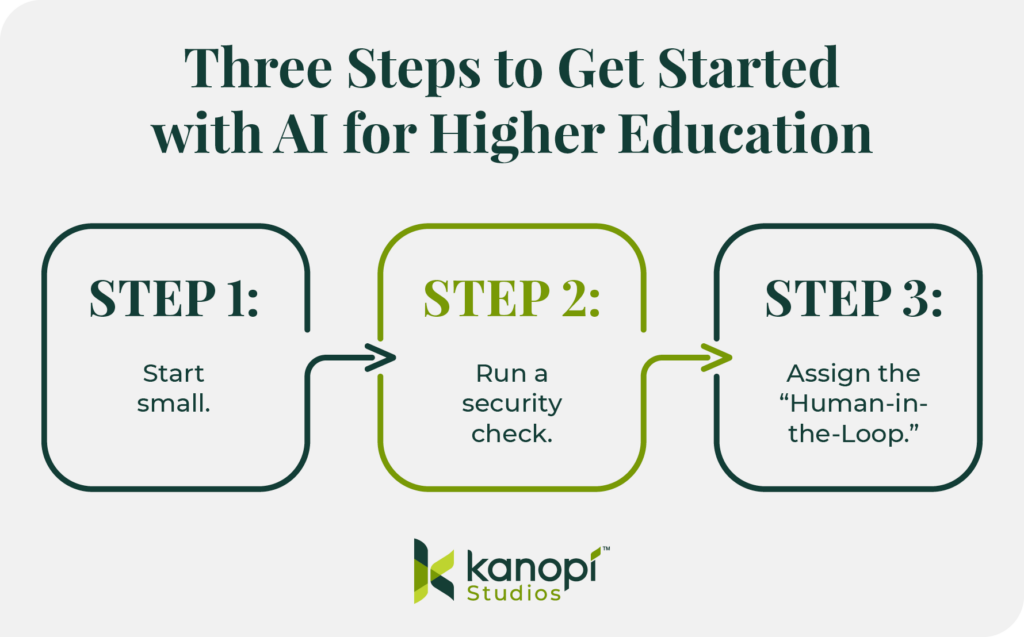
- Start small. Instead of overhauling your entire digital ecosystem at once, take a holistic, adaptive approach by breaking the initiative into manageable pieces. Start with a small pilot, such as a specific department or a single content type like “News,” which allows your team to make incremental, steady progress and pivot quickly as organizational priorities change.
- Run a security check. Heightened security for sensitive student data is a non-negotiable best practice. Ensure every AI tool you use meets FERPA requirements to build trust and establish your institution as a credible and knowledgeable source for your community.
- Assign the “Human-in-the-Loop.” Because design matters and supports real humans on both sides of the screen, you must assign a “Digital Shepherd” to vet AI outputs for accuracy and accountability. This person could be a content team manager or senior-level team member. This human connection ensures your AI-enhanced content remains purposeful, engaging, and easy to comprehend for your unique audience.
How Kanopi Brings AI Solutions to Higher Ed Clients
Here at Kanopi Studios, we’ve been deploying AI solutions creatively to help our clients see meaningful website improvements. We help higher ed clients see beyond the hype to identify practical ways they can use AI to deepen student engagement.
We prioritize ethics, trust, and human oversight. We believe in always keeping humans in the loop, avoiding the use of AI with sensitive data, and ensuring accessibility at all times.
We can support your higher education institution by implementing AI use cases such as:
- Multilingual translation and summarization for tuition pages or course content
- Lecture transcription to enhance accessibility and content searchability
- Auto-generating image alt text to scale up accessibility
The Kanopi team is ready to help prepare your university’s website for the age of AI-driven search. Here’s an overview of our process:
- Strengthen your technical foundation with a comprehensive audit, strategic enhancements, including fixing broken links and redirect gaps, and ensuring that your site’s templates and content modules support consistent indexing and interpretation.
- Make your content “answer-ready” for AI search by leveraging clear headings and scannable structures and reducing ambiguity between concepts.
- Strategically add “machine-readable” signals such as structured data and standardized on-page elements like titles and meta descriptions.
- Manage bot traffic and stabilize performance by applying bot controls and maintaining a robots.txt strategy that supports SEO and limits unnecessary crawling.
- Measure and improve over time through strategic analysis and incremental improvements.
We can help your team take the first steps with AI web design and development, giving you the strong foundation you need to build an ethical and effective AI strategy.
Wrapping Up
When used with care, AI can strengthen relationships, remove hidden barriers, and support students from their first inquiry through graduation in ways that align with your institution’s mission. Keep these tips in mind and reach out to Kanopi for support—we’re here to help you navigate this new normal.